
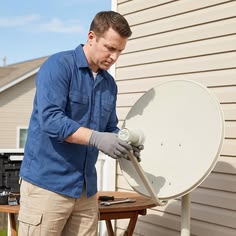
Summary: What to check before you contact support about a receiver that will not show your channels.
When a beIN Sports receiver does not show channels, a few quick checks can save time. Start by confirming that the receiver is powered on and the dish is connected correctly.
Next, check the smart card. It should be inserted fully and facing the correct way, and it should not be damaged or dusty. Confirm your subscription status with your provider, as an expired subscription can block channels even when the equipment works.
If the problem continues, note the receiver model, the error message on screen and the date the issue started. Having this information ready helps a technician diagnose the problem faster during a visit or phone call.